
 DIGITAL LICENCE
−12% OFF ⚡ DIGITAL ESD 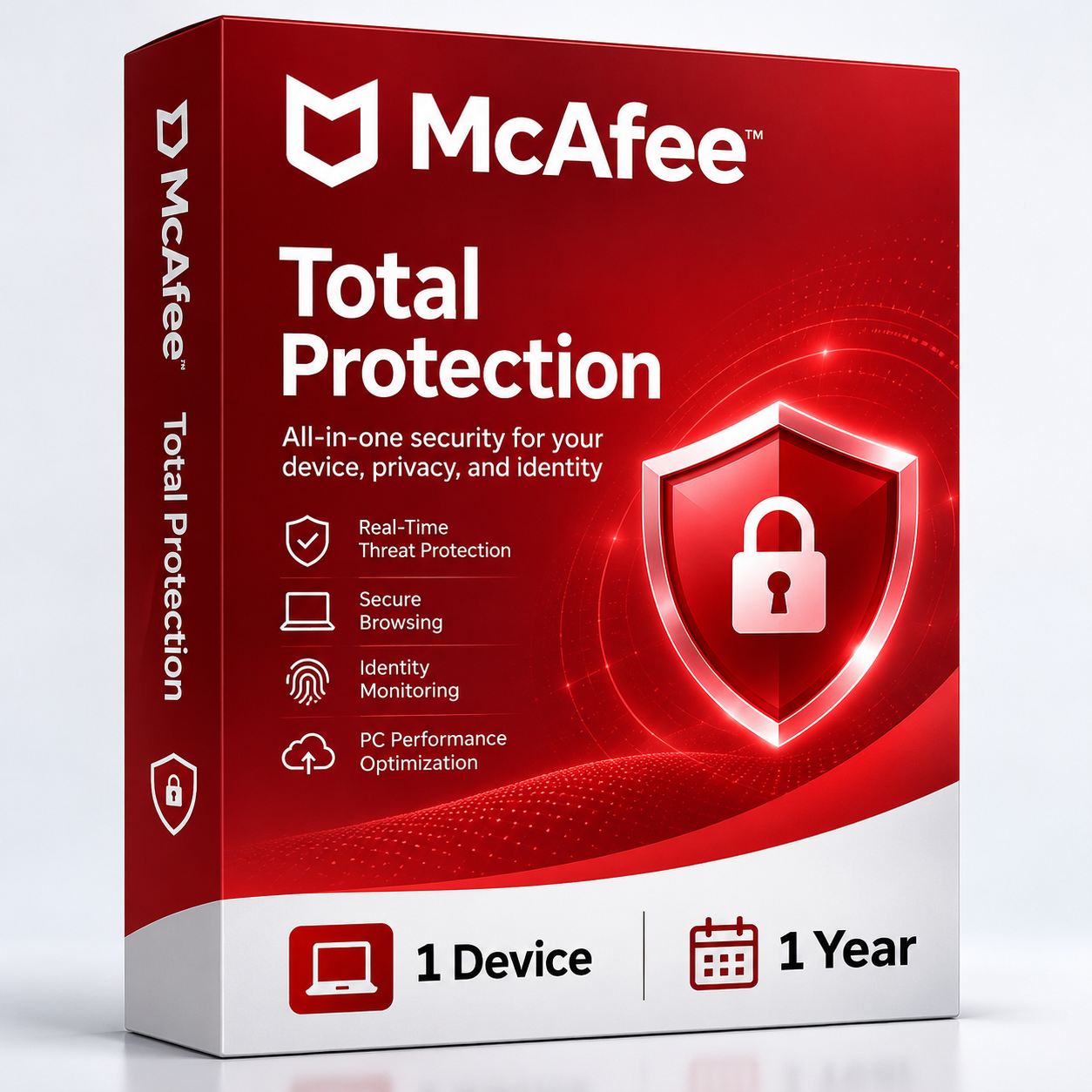
🛡️
100% Genuine Software License
Official vendor server activation • Verified by ANYSOFTHUB
Antivirus & Security
McAfee
McAfee Total Protection – 1 Device | 1 Year Activation
Rs. 2,500.00
Rs. 2,850.00
Save Rs. 350.00 (12% OFF)
McAfee Total Protection – 1 Device | 1 Year
Protect your digital life with McAfee Total Protection, a comprehensive internet security solution designed to help safeguard your device against viruses, malware, ransomware, and online threats.
✅ 1-Year Subscription – Enjoy eligible McAfee security protection for 12 months from activation.
✅ 1 Device Protection – Protect one compatible device using the supplied subscription license.
✅ Real-Time Antivirus Protection – Helps detect and block viruses, malware, and other digital threats.
✅ Ransomware Protection – Helps defend your device and files against ransomware attacks.
✅ Safe Web Browsing – Helps identify dangerous websites, suspicious links, and online threats.
✅ Online Security – Security tools designed to help protect your everyday online activities.
✅ Automatic Security Updates – Receive eligible protection updates while your subscription is active.
✅ Simple Activation – Redeem an eligible license key through McAfee's official activation website.
✅ Digital Delivery – Product key and installation instructions sent via email after payment verification.
✅ Professional Support – Friendly installation and activation assistance from ANYSOFTHUB Sri Lanka.
🚀
Electronic Delivery in 2–5 Hours
License key and official setup link sent to your email and tracking vault.
🛡️
100% Genuine Retail / LTSC License
Official vendor download links with Microsoft online activation.
🔧
1-Year Support & 15-Day Replacement
Free remote activation support via WhatsApp / AnyDesk if required.
🔒
Safe Sri Lankan Banking (Sampath Bank)
Direct bank transfer & 256-Bit SSL encrypted transaction verification.
Product Overview
McAfee Total Protection – 1 Device | 1 Year Antivirus Subscription
Protect your device, personal information, and online activities with McAfee Total Protection.
McAfee Total Protection is an internet security solution designed to help protect compatible devices against viruses, malware, ransomware, malicious websites, and other online threats.
Available through ANYSOFTHUB TECHNOLOGIES Sri Lanka, this 1-device, 1-year subscription is suitable for home users, students, professionals, and individuals who need everyday digital protection.
With real-time threat detection, security updates, and web protection tools, McAfee helps users browse, work, study, and manage digital activities more securely.
1-Year Antivirus Protection
Product: McAfee Total Protection
Subscription Duration: 1 Year / 12 Months
Device Coverage: 1 Compatible Device
License Model: Subscription-Based
Protection Type: Antivirus & Internet Security
Activation: Eligible McAfee Product Key
Delivery: Digital License Key via Email
Renewal: Subject to McAfee Subscription Terms
This product is not a lifetime or perpetual software license.
Key Features
Real-Time Antivirus Protection
McAfee helps identify, block, and remove viruses, malware, and other supported digital threats.
Ransomware Protection
Security features help defend against ransomware attacks that may attempt to encrypt or interfere with your files.
Malware & Threat Detection
Detect and respond to supported malicious software, suspicious files, and potentially harmful activities.
Safe Web Browsing
McAfee's supported web protection tools can help identify malicious websites and dangerous links.
Online Threat Protection
Security monitoring helps protect users against various threats encountered during everyday internet use.
Automatic Protection Updates
Receive eligible security updates and threat-definition improvements during your active subscription.
Security Dashboard
Manage your installed McAfee protection and review subscription information through supported McAfee applications and account services.
Additional Security Features
Some McAfee Total Protection packages may offer additional services such as Secure VPN, scam protection, identity monitoring, or privacy tools.
Additional features are not guaranteed for every product key. Availability depends on the specific edition, country, subscription eligibility, and applicable McAfee terms.
Product Specifications
| Specification | Details |
|---|---|
| Product Name | McAfee Total Protection |
| Brand | McAfee |
| Product Category | Antivirus & Internet Security |
| License Type | Digital Subscription |
| Subscription Duration | 1 Year / 12 Months |
| Device Coverage | 1 Device |
| Activation Method | McAfee Product Key Redemption |
| McAfee Account | Required |
| Real-Time Antivirus | Included |
| Malware Protection | Included |
| Ransomware Protection | Included |
| Web Protection | Supported Features Included |
| Security Updates | During Active Subscription |
| Secure VPN | Depends on Actual Plan |
| Identity Monitoring | Depends on Actual Plan and Region |
| Operating System | Subject to Supplied License Compatibility |
| Renewal | Subject to McAfee Terms |
| Delivery Method | Digital License Key via Email |
| Physical Product | Not Included |
| Seller Support | Installation & Activation Assistance |
System Requirements
McAfee Total Protection supports eligible operating systems and devices, depending on the actual product package.
Windows
Compatible Windows 11 or other supported Windows editions.
Supported processor and system architecture.
Sufficient memory and available storage.
Internet connection for downloading, activation, and updates.
macOS
Compatible supported macOS version.
Internet access for installation and activation.
Mac-compatible McAfee license entitlement.
Android & iOS
Compatible supported mobile operating system.
Eligible McAfee mobile security application.
Availability of mobile protection features depends on the device and platform.
Important Compatibility Notice: Not every 1-device product key supports every operating system. Some packages are specifically limited to Windows PCs. Verify the actual license's platform and activation region before purchasing.
Windows 10 standard support ended on October 14, 2025. For safer long-term use, choose a currently supported operating system.
How to Download & Activate McAfee Total Protection
Follow McAfee's official product activation process.
Purchase your eligible McAfee Total Protection subscription through ANYSOFTHUB.
Complete the payment and wait for payment verification.
Receive your digital product key and installation instructions by email.
Visit McAfee's official activation website.
Enter the valid subscription activation code.
Sign in with your McAfee account or create an account if required.
Follow the applicable subscription redemption instructions.
Review any automatic renewal or payment method requirements presented by McAfee.
Download the eligible McAfee security application.
Install the software on your compatible device.
Sign in and verify that your protection subscription is active.
Official McAfee Activation Website:
https://www.mcafee.com/activate
McAfee Account:
Subscription Activation & Renewal
McAfee Total Protection is a subscription-based security product.
The advertised subscription period is 12 months.
Protection benefits depend on an active eligible subscription.
The actual activation region must match the supplied license conditions.
McAfee may request a payment method or enable automatic renewal during subscription setup.
Automatic renewal may result in charges at McAfee's applicable renewal price.
Where supported, subscription and renewal preferences can be managed through the McAfee account.
Continued protection after expiry requires an active subscription or renewal.
Please review McAfee's subscription settings carefully during activation.
Antivirus Protection & Security Limitations
McAfee provides security tools designed to help reduce exposure to online threats, but no antivirus product can guarantee protection against every cyberattack.
For better security:
Keep your operating system and applications updated.
Avoid suspicious email attachments and unknown downloads.
Use strong, unique account passwords.
Enable multifactor authentication where available.
Maintain independent backups of important files.
Check that real-time protection remains enabled.
Digital License Delivery – ANYSOFTHUB Sri Lanka
Purchase McAfee Total Protection through ANYSOFTHUB TECHNOLOGIES.
After our team manually verifies your bank transfer, your eligible digital activation key and installation instructions will be emailed to your registered email address.
Delivery Information:
Digital license delivery only.
payment verification required.
No instant or automatic key delivery.
No physical DVD, USB drive, or software box included.
Installation and activation assistance available during support hours.
Why Choose ANYSOFTHUB?
Software Solutions: Antivirus and internet security subscription options for customers in Sri Lanka.
Secure Ordering: Bank transfer checkout with payment verification.
Digital Delivery: Activation details delivered by email after payment confirmation.
Official Activation Guidance: Instructions for redeeming eligible subscriptions through McAfee.
Customer Support: Friendly installation and activation assistance from ANYSOFTHUB Sri Lanka.
Important License Information
This listing is intended for McAfee Total Protection, covering 1 eligible device for 1 year.
Device compatibility depends on the actual license package.
Activation region restrictions may apply.
A valid McAfee account and product key may be required.
The subscription is not a perpetual or lifetime license.
VPN, identity monitoring, and premium extras must be verified for the supplied edition.
McAfee may require a payment method and automatic renewal setup during activation.
Automatic renewal charges, where enabled, are governed by McAfee's subscription terms.
A successful activation does not independently establish authorized resale rights.
No physical product package is included.
Refund or replacement requests are subject to applicable ANYSOFTHUB policies and statutory consumer rights.
Confirm device compatibility, activation region, and renewal conditions before purchasing.
ANYSOFTHUB TECHNOLOGIES — Your Trusted Software Reseller in Sri Lanka.
Package Includes:
- Official 25-digit genuine license key (Retail / OEM / LTSC as purchased).
- Official direct download links from verified vendor servers (e.g.
microsoft.com). - Step-by-step activation guide in plain English.
- Official PDF tax invoice issued upon payment confirmation.
- Free remote technical assistance via WhatsApp / AnyDesk.
System Requirements & Technical Specifications
Product
McAfee Total Protection
Brand
McAfee
Category
Antivirus & Security
License Type
Digital Subscription
Duration
1 Year / 12 Months
Devices
1 Device
Platform
Depends on Supplied License
Activation
McAfee Product Key
McAfee Account
Required
Protection
Antivirus, Malware, Ransomware
Web Security
Included Where Supported
Security Updates
During Active Subscription
VPN
Subject to Plan Eligibility
Identity Monitoring
Subject to Plan and Region
Renewal
Subject to McAfee Terms
Delivery
Digital License Key via Email
Product Format
Digital Software
How to Activate Your Software License
STEP 01
Download Installer
Use the official direct download link provided in your delivery email or visit the vendor portal (e.g. setup.office.com or microsoft.com/software-download).
STEP 02
Run Installation
Run the setup program and follow the standard on-screen instructions to complete software installation on your PC.
STEP 03
Enter License Key
Open the installed software, navigate to File → Account or Activation Settings, and input the genuine 25-character product key.
STEP 04
Verified Activation
Click Activate. Your license will connect to Microsoft servers and confirm permanent validation. If you need any assistance, contact our WhatsApp hotline (+94 71 117 8269).
Digital Delivery & Warranty Terms
🚀 Electronic Delivery Policy
Your license key, setup links, and instructions are dispatched electronically to your registered email address within 2 to 5 hours of confirmed payment verification (typically <60 minutes during business hours: Mon–Sat 8:30 AM – 7:30 PM SLST).
🛡️ 15-Day Defect Replacement Guarantee
If your issued license key fails to activate or reports an activation error code, simply email a full-screen screenshot to support@anysofthub.com or WhatsApp (+94 71 117 8269). We will resolve or replace the key immediately.
Frequently Asked Questions
Are these software licenses genuine and authentic?
Yes, 100% genuine. All keys are sourced through authorized software distributors and activate directly with official vendor servers (e.g., Microsoft, Kaspersky, Autodesk). You receive all official vendor updates and security patches.
How and when will I receive my license key?
Your license key, official download links, and step-by-step setup guide are delivered digitally to your registered email address and customer vault within 2 to 5 hours of confirmed bank transfer payment verification (often <60 minutes during business hours).
Can I reinstall or transfer this license to another computer?
Retail & Bind licenses can be reinstalled or transferred to a new machine after uninstalling from the original PC. OEM licenses bind permanently to the original computer motherboard and cannot be moved to another machine.
What if the license key fails to activate?
We provide a 15-Day Defect Replacement Guarantee. If you experience an activation error code, simply WhatsApp our support team (+94 71 117 8269) with a screenshot. We provide free remote activation assistance via AnyDesk or replace the key immediately.
Do I receive a formal receipt or invoice for company accounts?
Yes. Upon payment confirmation, an official downloadable PDF tax invoice with invoice number and business registration details is generated and sent to your email.
Customer Reviews (0)
No published customer reviews yet for this software. Be the first verified buyer to leave feedback!
Sign in to review your verified software purchase.
RECOMMENDED FOR YOU
Related Software Licenses
DIGITAL LICENCE  −27% DIGITAL LICENCE
−33% DIGITAL LICENCE
 −11% DIGITAL LICENCE
Antivirus & Security
Rs. 2,750.00 Rs. 2,450.00