
 −25% DIGITAL LICENCE
−17% OFF ⚡ DIGITAL ESD 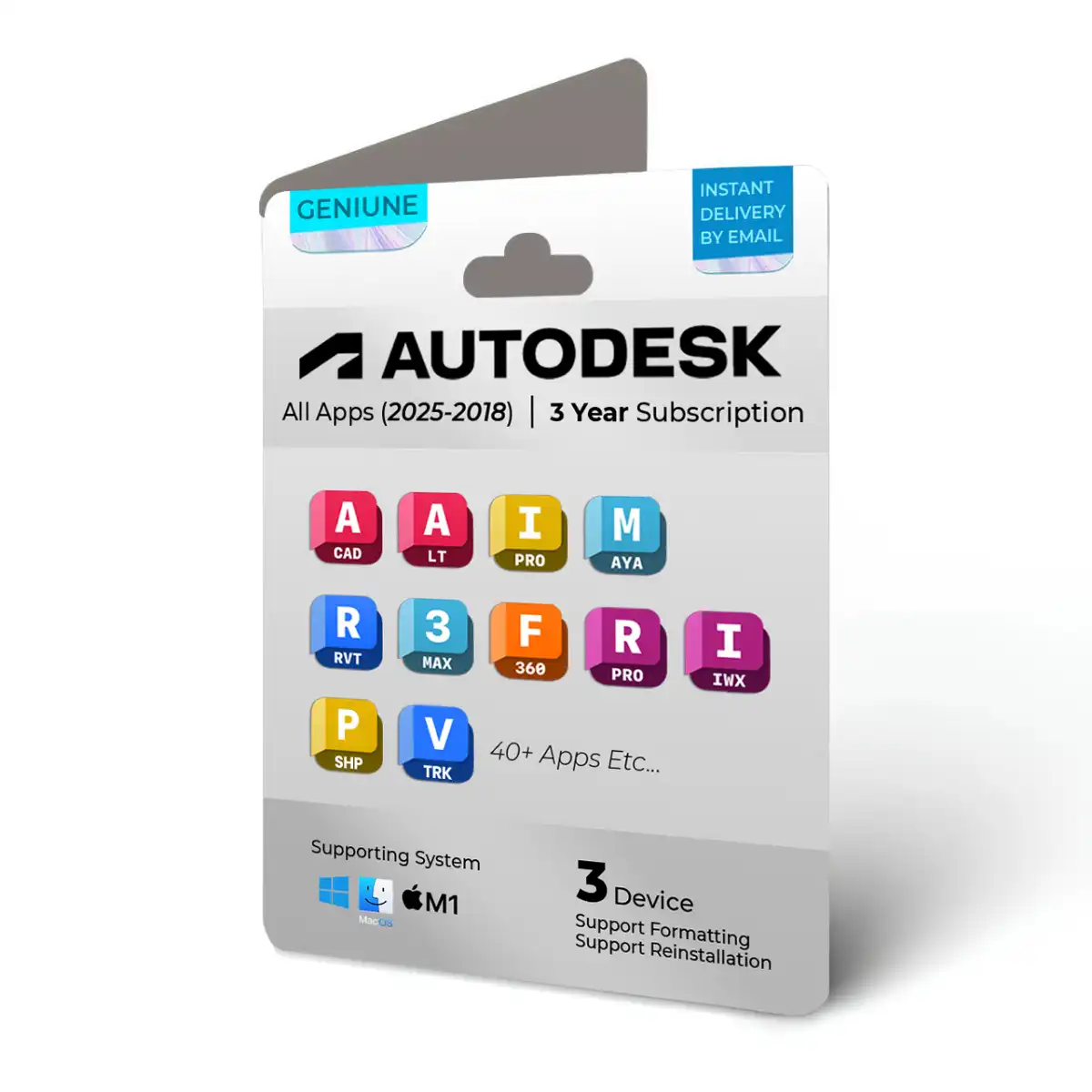
🛡️
100% Genuine Software License
Official vendor server activation • Verified by ANYSOFTHUB
Autodesk
Autodesk
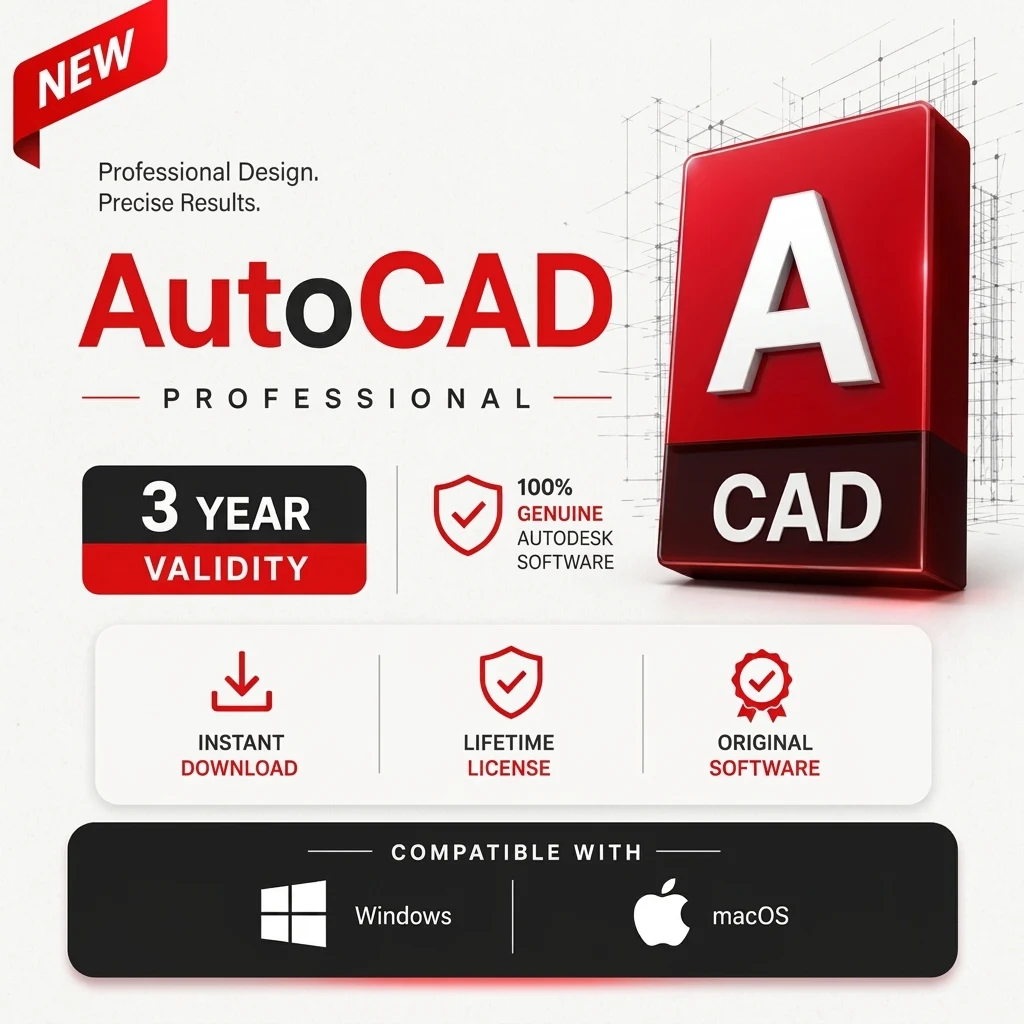
Autodesk Software Collection – 3-Year Subscription | 1 User
Rs. 7,500.00
Rs. 9,000.00
Save Rs. 1,500.00 (17% OFF)
Autodesk Software Collection – 3-Year Subscription | 1 User
Explore professional Autodesk software solutions for 3D design, CAD drafting, engineering, architecture, modeling, and visualization.
✅ 3-Year Subscription Offer – Supplier-advertised subscription period, subject to verification of the actual Autodesk entitlement.
✅ Professional Design Software – Access the Autodesk applications included in the purchased subscription.
✅ CAD & 3D Modeling – Create professional designs, drawings, models, and visualizations using eligible applications.
✅ Engineering & Architecture Tools – Work with supported tools for design and project workflows.
✅ Account-Based Access – Subscription access through an eligible Autodesk account.
✅ Official Software Downloads – Download available applications from Autodesk's supported services.
✅ Digital Delivery – Subscription access instructions provided manually after payment verification.
✅ Installation Support – Friendly setup assistance from ANYSOFTHUB Sri Lanka.
🚀
Electronic Delivery in 2–5 Hours
License key and official setup link sent to your email and tracking vault.
🛡️
100% Genuine Retail / LTSC License
Official vendor download links with Microsoft online activation.
🔧
1-Year Support & 15-Day Replacement
Free remote activation support via WhatsApp / AnyDesk if required.
🔒
Safe Sri Lankan Banking (Sampath Bank)
Direct bank transfer & 256-Bit SSL encrypted transaction verification.
Product Overview
Autodesk Software Collection – 3-Year Subscription | 1 User
Professional Autodesk software access for design, engineering, architecture, and creative workflows.
Autodesk develops professional applications used in CAD drafting, 3D modeling, architecture, construction, manufacturing, animation, and visualization.
This listing describes a supplier-advertised three-year Autodesk software subscription offer.
The actual included applications, subscription term, device limits, and commercial usage rights depend on the verified Autodesk entitlement supplied to the customer.
Product Specifications
| Specification | Details |
|---|---|
| Brand | Autodesk |
| Product Type | Software Subscription |
| Advertised Duration | 3 Years |
| Users | 1 User, subject to confirmation |
| Included Applications | Must Be Verified |
| License Type | Must Be Verified |
| Commercial Usage | Subject to License Entitlement |
| Activation | Autodesk Account |
| Download | Official Autodesk Downloads |
| Delivery | Digital Access Instructions |
| Support | Installation Assistance |
How to Install
Confirm the software applications included in the subscription.
Receive the eligible Autodesk subscription details after payment verification.
Visit https://manage.autodesk.com/.
Sign in with the appropriate Autodesk account.
Check the products and services assigned to the account.
Verify the subscription expiry date.
Download and install the supported applications.
Sign in to the application to complete licensing verification.
Digital Delivery
After ANYSOFTHUB manually verifies the customer's bank transfer, subscription access details and installation instructions will be provided by email.
Delivery is not instant or automatic.
Important License Information
The subscription must be valid for the advertised three-year term.
Only applications included in the actual entitlement are provided.
Commercial usage rights must be confirmed.
Educational software access must not be sold as an unrestricted commercial license.
Customer account ownership and license administration rights must be disclosed.
Access may depend on the subscription administrator and applicable Autodesk terms.
Subscription access is not a lifetime or perpetual license.
ANYSOFTHUB TECHNOLOGIES — Your Trusted Software Reseller in Sri Lanka.
Package Includes:
- Official 25-digit genuine license key (Retail / OEM / LTSC as purchased).
- Official direct download links from verified vendor servers (e.g.
microsoft.com). - Step-by-step activation guide in plain English.
- Official PDF tax invoice issued upon payment confirmation.
- Free remote technical assistance via WhatsApp / AnyDesk.
System Requirements & Technical Specifications
Brand
Autodesk
Product
Software Collection
Duration
3 Years (Verification Required)
Users
1 User (To Be Confirmed)
License Type
To Be Verified
Included Applications
To Be Confirmed
Commercial Use
Subject to Entitlement
Activation
Autodesk Account
Delivery
Digital Access Instructions
Support
Installation Assistance
How to Activate Your Software License
STEP 01
Download Installer
Use the official direct download link provided in your delivery email or visit the vendor portal (e.g. setup.office.com or microsoft.com/software-download).
STEP 02
Run Installation
Run the setup program and follow the standard on-screen instructions to complete software installation on your PC.
STEP 03
Enter License Key
Open the installed software, navigate to File → Account or Activation Settings, and input the genuine 25-character product key.
STEP 04
Verified Activation
Click Activate. Your license will connect to Microsoft servers and confirm permanent validation. If you need any assistance, contact our WhatsApp hotline (+94 71 117 8269).
Digital Delivery & Warranty Terms
🚀 Electronic Delivery Policy
Your license key, setup links, and instructions are dispatched electronically to your registered email address within 2 to 5 hours of confirmed payment verification (typically <60 minutes during business hours: Mon–Sat 8:30 AM – 7:30 PM SLST).
🛡️ 15-Day Defect Replacement Guarantee
If your issued license key fails to activate or reports an activation error code, simply email a full-screen screenshot to support@anysofthub.com or WhatsApp (+94 71 117 8269). We will resolve or replace the key immediately.
Frequently Asked Questions
Are these software licenses genuine and authentic?
Yes, 100% genuine. All keys are sourced through authorized software distributors and activate directly with official vendor servers (e.g., Microsoft, Kaspersky, Autodesk). You receive all official vendor updates and security patches.
How and when will I receive my license key?
Your license key, official download links, and step-by-step setup guide are delivered digitally to your registered email address and customer vault within 2 to 5 hours of confirmed bank transfer payment verification (often <60 minutes during business hours).
Can I reinstall or transfer this license to another computer?
Retail & Bind licenses can be reinstalled or transferred to a new machine after uninstalling from the original PC. OEM licenses bind permanently to the original computer motherboard and cannot be moved to another machine.
What if the license key fails to activate?
We provide a 15-Day Defect Replacement Guarantee. If you experience an activation error code, simply WhatsApp our support team (+94 71 117 8269) with a screenshot. We provide free remote activation assistance via AnyDesk or replace the key immediately.
Do I receive a formal receipt or invoice for company accounts?
Yes. Upon payment confirmation, an official downloadable PDF tax invoice with invoice number and business registration details is generated and sent to your email.
Customer Reviews (0)
No published customer reviews yet for this software. Be the first verified buyer to leave feedback!
Sign in to review your verified software purchase.
RECOMMENDED FOR YOU
Related Software Licenses
−25% DIGITAL LICENCE  DIGITAL LICENCE
 DIGITAL LICENCE
 DIGITAL LICENCE