
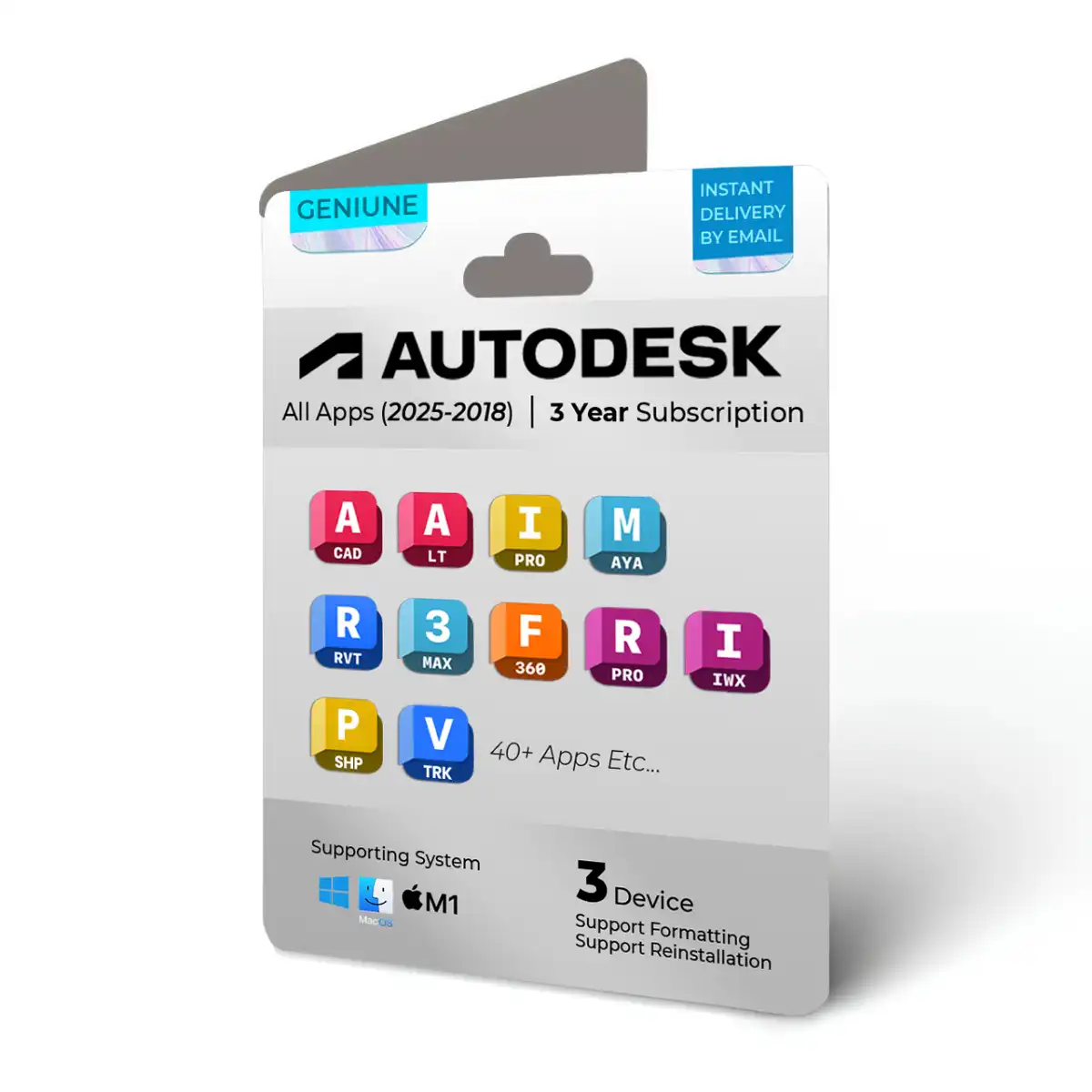
 −17% DIGITAL LICENCE
⚡ DIGITAL ESD 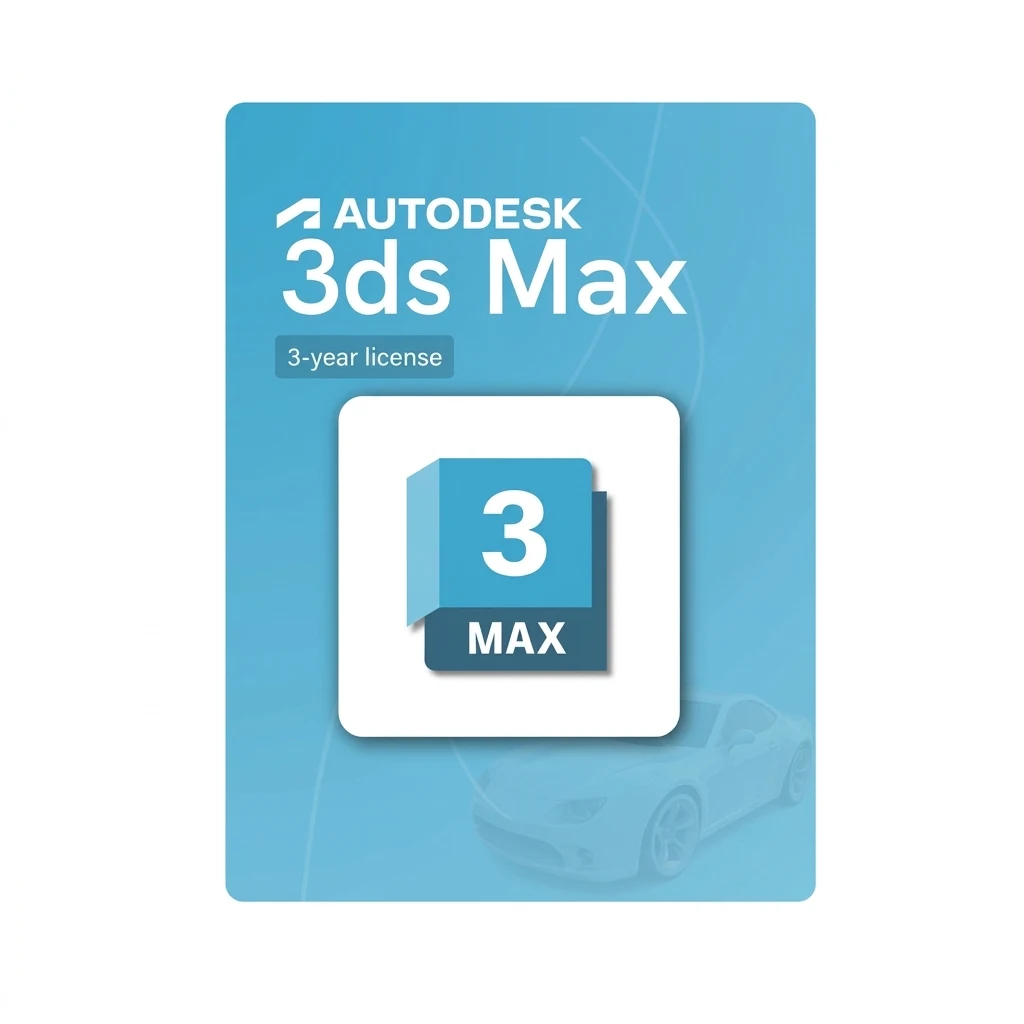
🛡️
100% Genuine Software License
Official vendor server activation • Verified by ANYSOFTHUB
Autodesk
Autodesk
Autodesk 3ds Max –EDU License | 1 User | 3 Years
Rs. 1,500.00
Autodesk 3ds Max – EDU License | 1 User | 3 Years
Create stunning 3D models, realistic animations, and professional visualizations with Autodesk 3ds Max, a powerful 3D modeling and rendering software for designers, artists, and students.
✅ 3-Year Educational Access – Subject to Autodesk eligibility and approval.
✅ 1 User Access – For one eligible student or educator.
✅ 3D Modeling – Create detailed 3D objects and environments.
✅ Animation Tools – Design realistic animations and motion graphics.
✅ Rendering & Visualization – Produce high-quality 3D images.
✅ Advanced Materials – Create realistic textures and surfaces.
✅ Digital Delivery – Official Autodesk account access and installation guidance.
Important: Educational licenses are strictly for learning and educational purposes. Commercial use is not permitted.
🚀
Electronic Delivery in 2–5 Hours
License key and official setup link sent to your email and tracking vault.
🛡️
100% Genuine Retail / LTSC License
Official vendor download links with Microsoft online activation.
🔧
1-Year Support & 15-Day Replacement
Free remote activation support via WhatsApp / AnyDesk if required.
🔒
Safe Sri Lankan Banking (Sampath Bank)
Direct bank transfer & 256-Bit SSL encrypted transaction verification.
Product Overview
Autodesk 3ds Max – EDU License | 1 User | 3 Years
Bring your creative ideas to life with powerful 3D modeling, animation, and rendering technology.
Autodesk 3ds Max is a professional 3D modeling, animation, and rendering software designed for 3D artists, game developers, architects, designers, and visualization specialists.
With advanced modeling tools, realistic material creation, animation capabilities, and powerful rendering workflows, Autodesk 3ds Max helps transform creative concepts into detailed 3D visuals.
The Educational (EDU) license provides eligible students and educators with access to Autodesk 3ds Max for learning, teaching, and educational projects.
Key Features
Advanced 3D Modeling: Create detailed 3D objects, environments, and complex models using powerful modeling tools.
3D Animation: Develop realistic animations, character movements, and dynamic scenes.
Rendering & Visualization: Produce high-quality images and realistic 3D presentations.
Material & Texture Creation: Design realistic surfaces, materials, and textures for 3D objects.
Lighting Tools: Create realistic lighting environments and professional visual effects.
Character Animation: Work with character rigs, animation controls, and motion workflows.
Particle Systems: Create dynamic effects such as smoke, rain, fire, and other simulations using supported tools.
Architectural Visualization: Develop detailed interior and exterior architectural presentations.
Game Asset Creation: Design 3D assets and environments for supported game development workflows.
Design Visualization: Transform creative concepts into professional 3D visual presentations.
Product Specifications
| Specification | Details |
|---|---|
| Product | Autodesk 3ds Max |
| Brand | Autodesk |
| Edition | Educational (EDU) |
| License Type | Educational Access |
| Users | 1 Eligible User |
| Duration | 3 Years |
| Platform | Windows |
| Software Category | 3D Modeling & Animation |
| 3D Modeling | Included |
| Animation | Included |
| Rendering | Included |
| Materials & Textures | Included |
| Lighting | Included |
| Architectural Visualization | Supported |
| Game Asset Creation | Supported |
| Activation | Autodesk Account |
| Delivery Method | Digital Access / Instructions |
| Eligibility | Qualified Students & Educators |
| Commercial Usage | Not Permitted |
| Physical Package | Not Included |
Minimum System Requirements
Operating System: Supported 64-bit Windows version.
Processor: Compatible Intel or AMD multi-core processor.
RAM: 8 GB minimum; 16 GB or more recommended.
Storage: SSD recommended with sufficient installation space.
Graphics: DirectX 11 or compatible supported graphics hardware.
Display: Full HD display recommended.
Internet: Required for account access, licensing, and software downloads.
Actual requirements depend on the installed 3ds Max version and project complexity.
How to Download & Activate Autodesk 3ds Max
Verify your eligibility for Autodesk Educational Access.
Visit the official Autodesk Education website.
Sign in or create your Autodesk Account.
Complete the required educational eligibility verification.
Access the eligible Autodesk 3ds Max educational offering.
Download the official Autodesk 3ds Max installer.
Install the software on your compatible Windows computer.
Sign in using your eligible Autodesk Account.
Confirm that your educational access is active.
Official Autodesk Education Website:
https://www.autodesk.com/education/edu-software/overview
Official Autodesk 3ds Max Website:
https://www.autodesk.com/products/3ds-max/overview
License Delivery – ANYSOFTHUB Sri Lanka
Your order is processed through our secure ordering system.
After your bank transfer has been verified by our team, the applicable educational access instructions and installation guidance will be sent to your registered email address.
Please Note:
Educational access is subject to Autodesk eligibility verification.
The advertised three-year duration must be confirmed against the actual entitlement.
No physical box, DVD, or USB drive is supplied.
Installation assistance is available from ANYSOFTHUB support.
Important Information
Autodesk Educational licenses are intended exclusively for eligible educational purposes.
Commercial, professional, and revenue-generating use is not permitted.
Educational access requires successful eligibility verification.
License duration and availability are subject to Autodesk approval and terms.
This is not a perpetual commercial license.
Software features and compatibility depend on the installed version.
ANYSOFTHUB TECHNOLOGIES — Your Trusted Software Reseller in Sri Lanka.
Package Includes:
- Official 25-digit genuine license key (Retail / OEM / LTSC as purchased).
- Official direct download links from verified vendor servers (e.g.
microsoft.com). - Step-by-step activation guide in plain English.
- Official PDF tax invoice issued upon payment confirmation.
- Free remote technical assistance via WhatsApp / AnyDesk.
System Requirements & Technical Specifications
Brand
Autodesk
Product
Autodesk 3ds Max
Category
3D Modeling & Animation
License Type
Educational (EDU)
Duration
3 Years (Subject to Autodesk Approval)
Users
1 Eligible User
Platform
Windows
3D Modeling
Included
3D Animation
Included
Rendering
Included
Materials & Textures
Included
Lighting
Included
Architectural Visualization
Supported
Game Asset Creation
Supported
Activation
Autodesk Account
Eligibility
Student / Educator Verification
Commercial Usage
Not Permitted
Delivery
Digital
Installation Support
Available
How to Activate Your Software License
STEP 01
Download Installer
Use the official direct download link provided in your delivery email or visit the vendor portal (e.g. setup.office.com or microsoft.com/software-download).
STEP 02
Run Installation
Run the setup program and follow the standard on-screen instructions to complete software installation on your PC.
STEP 03
Enter License Key
Open the installed software, navigate to File → Account or Activation Settings, and input the genuine 25-character product key.
STEP 04
Verified Activation
Click Activate. Your license will connect to Microsoft servers and confirm permanent validation. If you need any assistance, contact our WhatsApp hotline (+94 71 117 8269).
Digital Delivery & Warranty Terms
🚀 Electronic Delivery Policy
Your license key, setup links, and instructions are dispatched electronically to your registered email address within 2 to 5 hours of confirmed payment verification (typically <60 minutes during business hours: Mon–Sat 8:30 AM – 7:30 PM SLST).
🛡️ 15-Day Defect Replacement Guarantee
If your issued license key fails to activate or reports an activation error code, simply email a full-screen screenshot to support@anysofthub.com or WhatsApp (+94 71 117 8269). We will resolve or replace the key immediately.
Frequently Asked Questions
Are these software licenses genuine and authentic?
Yes, 100% genuine. All keys are sourced through authorized software distributors and activate directly with official vendor servers (e.g., Microsoft, Kaspersky, Autodesk). You receive all official vendor updates and security patches.
How and when will I receive my license key?
Your license key, official download links, and step-by-step setup guide are delivered digitally to your registered email address and customer vault within 2 to 5 hours of confirmed bank transfer payment verification (often <60 minutes during business hours).
Can I reinstall or transfer this license to another computer?
Retail & Bind licenses can be reinstalled or transferred to a new machine after uninstalling from the original PC. OEM licenses bind permanently to the original computer motherboard and cannot be moved to another machine.
What if the license key fails to activate?
We provide a 15-Day Defect Replacement Guarantee. If you experience an activation error code, simply WhatsApp our support team (+94 71 117 8269) with a screenshot. We provide free remote activation assistance via AnyDesk or replace the key immediately.
Do I receive a formal receipt or invoice for company accounts?
Yes. Upon payment confirmation, an official downloadable PDF tax invoice with invoice number and business registration details is generated and sent to your email.
Customer Reviews (0)
No published customer reviews yet for this software. Be the first verified buyer to leave feedback!
Sign in to review your verified software purchase.
RECOMMENDED FOR YOU
Related Software Licenses
−17% DIGITAL LICENCE  DIGITAL LICENCE
 DIGITAL LICENCE
 DIGITAL LICENCE